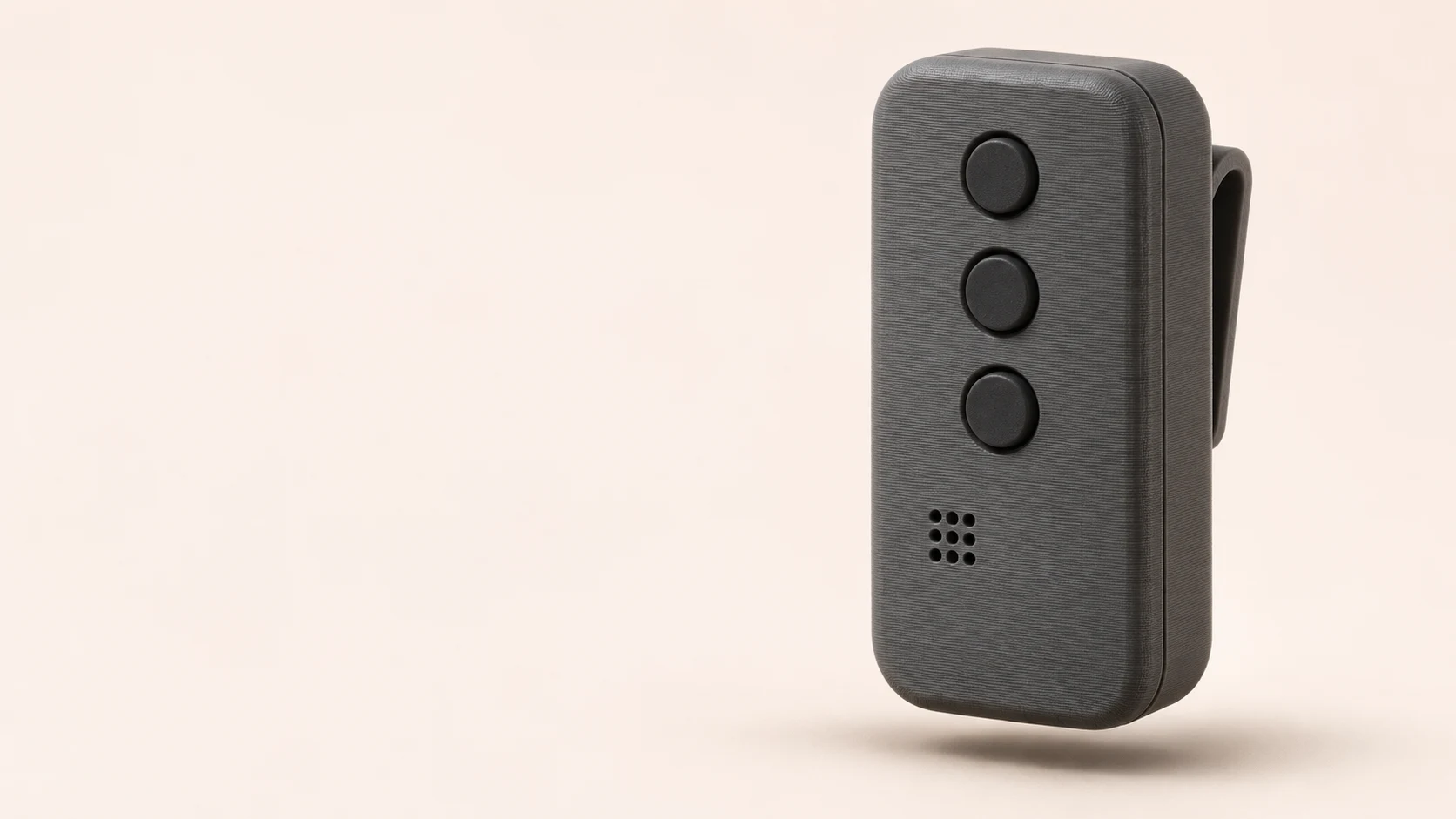
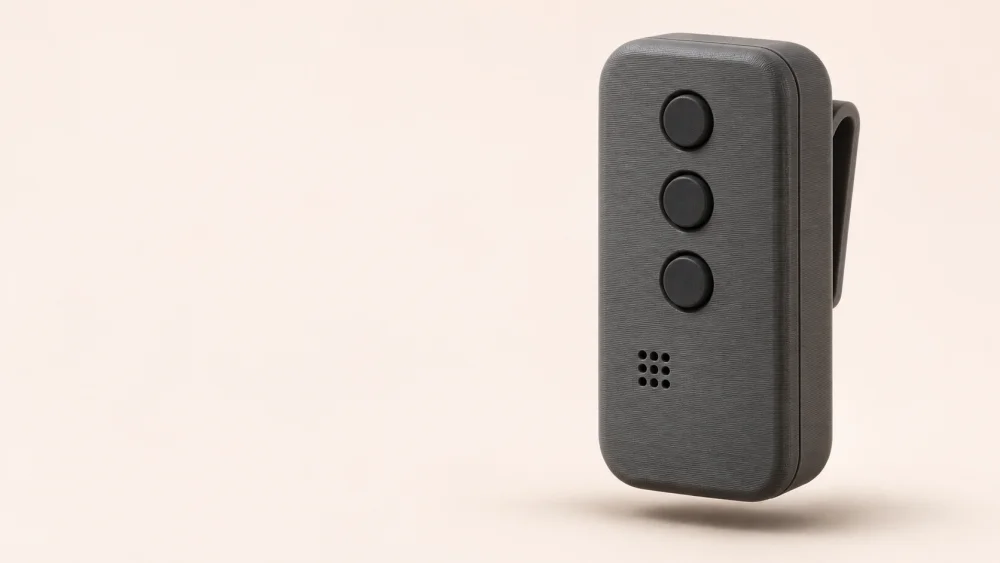
Graphite MIKE wearable microphone with three circular controls and a rear clothing clip

Wearable microphone / Rev. 03

A wearablemicrophonefor your Mac

A clip-on microphone with three tactile controls. The audio prototype records to a Mac over USB.

USB audio capture working
Enclosure assembly in progress

XIAO nRF52840 Sense
A project by Alphan

The idea

The idea

Voice capture
Physical controls

Keep voice input
within reach

Dictation and voice commands often start with a keyboard shortcut. MIKE explores moving that interaction onto your clothing: a microphone close to your voice, with buttons you can find by touch.

The design keeps audio capture and physical inputs on the device, with processing on the Mac. It is a control interface, not a standalone AI computer.

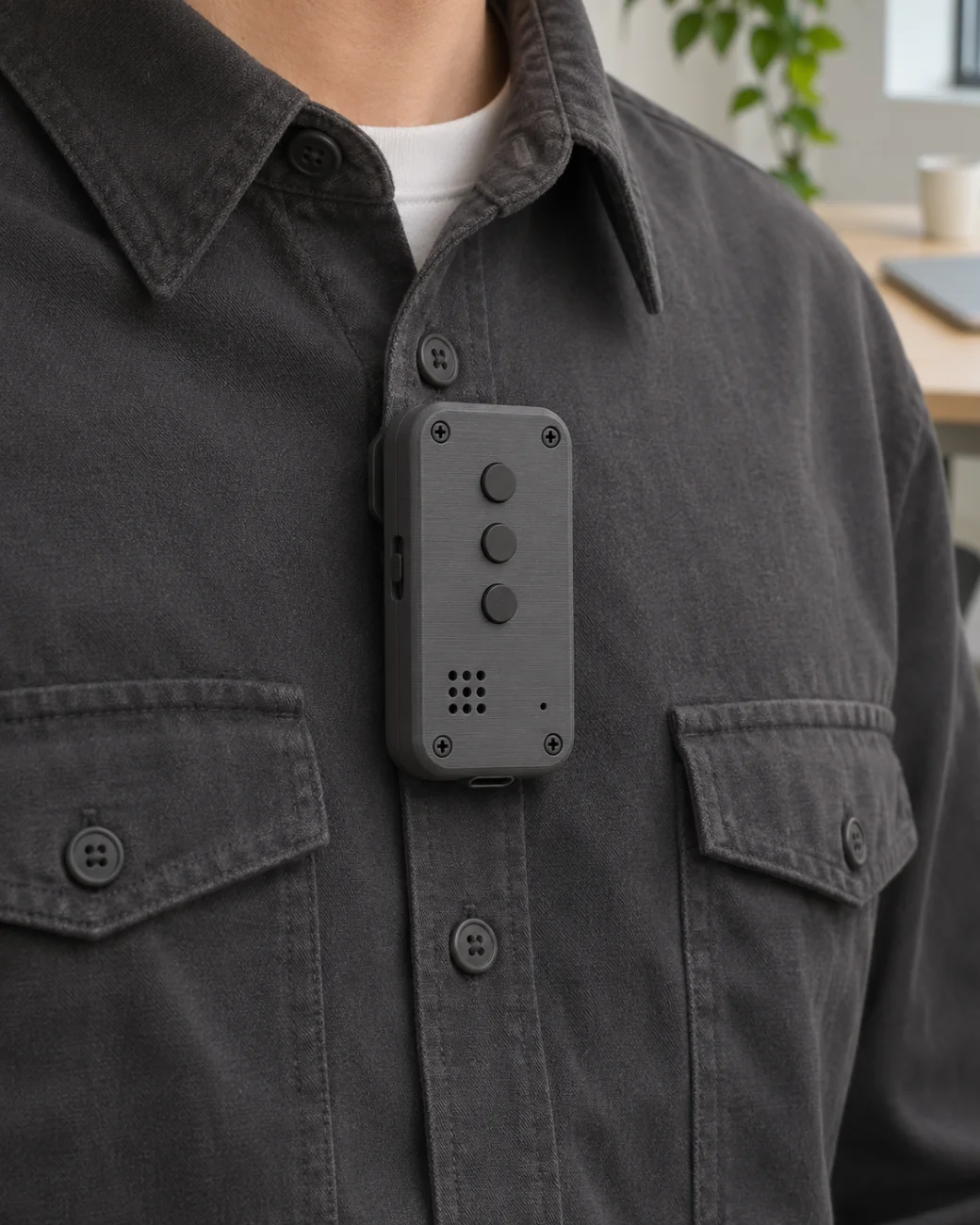
MIKE clipped to an overshirt, within easy reach of one hand

The controls

Three controls,
chosen by touch

The proposed layout assigns a distinct job to each button. Select one to explore its intended behavior.

Hold to speak. Release to finish. A deliberate way to start dictation without reaching for the keyboard.

Press → Speak → Release

Button firmware and app integration are in development. This is an interaction study, not a live device connection.

Enclosure design

Inside the
Rev. 3 enclosure

Scroll to open the enclosure. Switch to the CAD model to inspect the original part geometry.

1 / 4

The microphone enclosure

Three front controls, a microphone inlet, and a rear clip share an 82 × 40 × 18 mm enclosure.

Electronics and enclosure reveal. Choose CAD model for the original mechanical geometry.

Electronics reveal

The enclosure opens to show a labeled LiPo battery above the XIAO board, with wires connecting the front switches. Scroll or use Closed and Opened to inspect it.

Static MIKE enclosure view, available when live 3D is unavailable

The enclosure, from every angle.

Scroll to separate
Design envelope

82 × 40 × 18 mm

Audio format

16 kHz / mono / 16-bit

Nominal battery

600 mAh LiPo

Physical controls

3 programmable buttons

The audio path

Capture on the device
Processing on the Mac

Audio capture
on the Mac

MIKE is an interface, not a standalone AI computer. Audio travels to the Mac, where it can be recorded and, eventually, connected to a wider set of tools.

  1. CapturePDM micBuilt into the XIAO
  2. SamplePCM16 kHz · mono · 16-bit
  3. TransferUSBDevice to computer
  4. ReceiveMacHost-side audio capture
  5. SaveRecordingMP3 capture demonstrated
Planned connections
System microphoneBLE control & audioTranscriptionAI notes

Rev. 03 / Form and assembly

Enclosure studies

A silent study of the enclosure. The front cover separates to reveal the battery and board placement inside the rear shell.

00:07
Cover separationAssembly study

A silent, subtle orbit around the upright enclosure, showing the front controls, microphone openings, and side profile.

00:06
Enclosure orbitForm and proportion

Mechanical development

Constraint → Change → Validation

Three enclosure
revisions

01First enclosure

Initial component layout

A main front control and side-mounted auxiliary buttons established the first layout. The battery and board defined the space behind them.

Design questionHow does a voice interface sit on the body?
02Fit and fasteners

Board guides and M3 fasteners

The board could move inside its first guides. The channel was narrowed from 19.5 to 18.5 mm, end stops were added, and the enclosure adapted to M3 hardware.

Designed side clearance0.85 → 0.35 mmPer side for a 17.8 mm board. Physical fit still needs validation.

03Current revision

Front-mounted switches

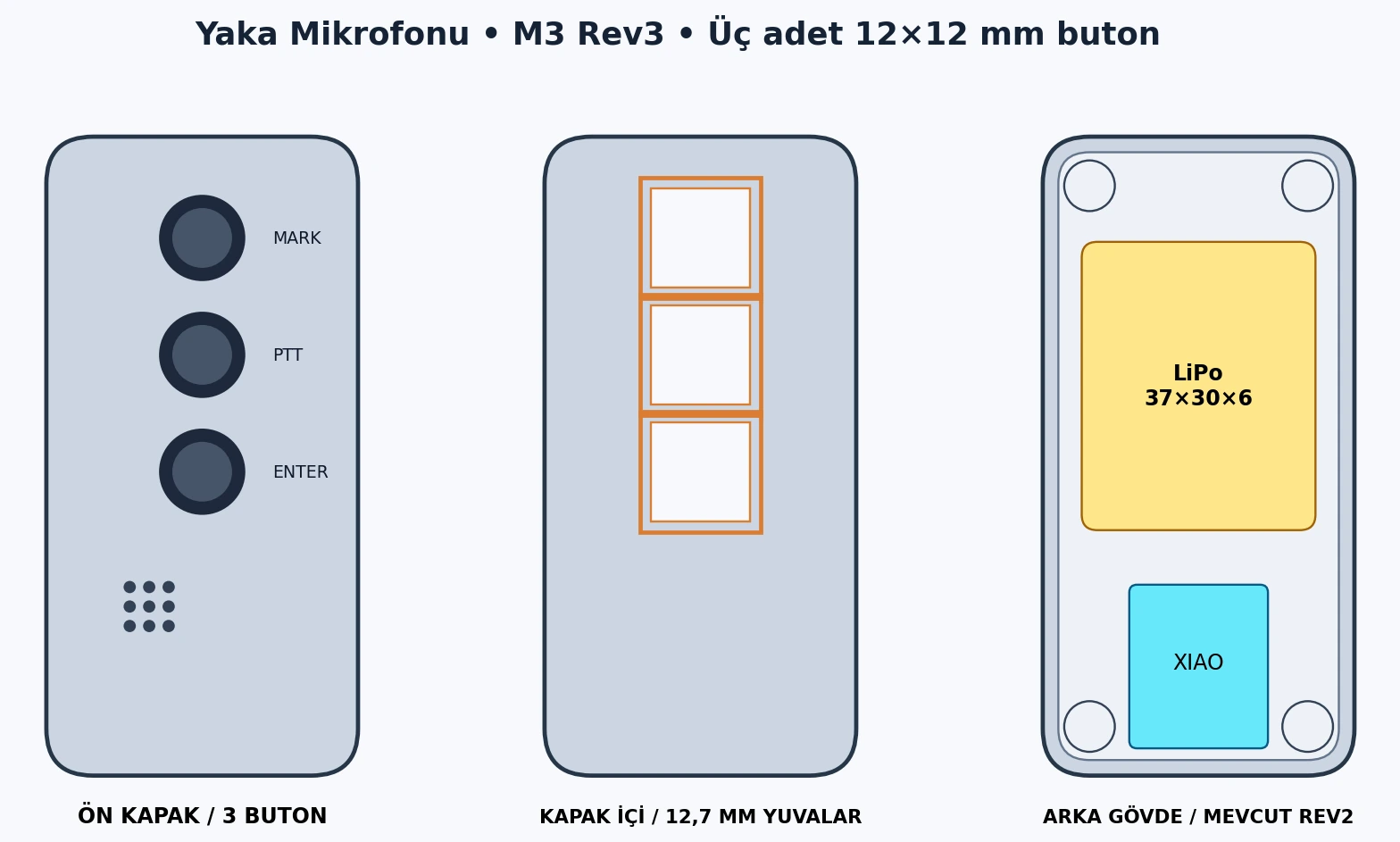
The 12 × 12 mm switch bodies competed with the battery in the side layout. All three controls moved to the front, with identical caps and dedicated retaining pockets.

Next validationPrint the switch-fit test. Check travel, clearance, and the complete assembly.

Current prototype

USB capture demonstrated

Audio recorded
Assembly in progress

The first prototype captures microphone audio and saves an MP3 on the Mac. The next test is a complete, battery-powered assembly.

Rev. 3 design drawing showing the three front controls, switch pockets, and battery and XIAO positions
Rev. 03 / Enclosure layoutMechanical design
Working today

Microphone to MP3

The onboard PDM microphone has captured audio, transferred it over USB, and produced an MP3 recording on the Mac.

Milestone from prototype testing
What remains

Continuous streaming. System microphone integration. Button firmware. Battery and mechanical validation.

Assembly photographs and a recorded hardware demonstration will be added after physical validation. The design documentation above is available now.

Development roadmap

From USB capture
to daily use

The next steps are stable audio transport, physical controls, and a reliable Mac connection. Transcription and AI workflows come after that foundation.

Physical control comes first. Recording indicators and privacy controls are part of the development scope. This website does not record audio or upload microphone data.

  1. 1

    Continuous USB streaming

    Stable audio transport, buffering, and long-duration tests.

    Next
  2. 2

    Mac audio bridge and PTT

    System microphone input, push-to-talk, and configurable shortcuts.

    Planned
  3. 3

    BLE control and audio

    BLE controls first. Wireless audio as a separate engineering challenge.

    Planned
  4. 4

    Transcription and bookmarks

    Recorded speech, summaries, and personal workflows.

    Planned

About the project

An independent build
by Alphan

Embedded audio, physical interaction, and a custom enclosure. This page documents the working audio path, the design revisions, and the integration work still ahead.

Tools & acknowledgments

Seeed Studio XIAO nRF52840 Sense · Seeed_Arduino_Mic · Arduino / Seeed nRF52 mbed-enabled core · Python host tooling · CadQuery enclosure source · Three.js · GSAP · Lenis. An independent project built with open tools and documented iterations.